
Talaria mx3 display
Ultimate Guide to the Talaria MX3 Display: Features, Setup, and Performance Insights
If you’re an off-road enthusiast or someone dipping their toes into the world of electric dirt bikes, you’ve likely heard about the Talaria Sting MX3. This beast of a machine combines power, agility, and eco-friendly performance in a lightweight package. But one feature that often steals the spotlight is the Talaria MX3 display – a sleek, digital dashboard that keeps riders informed and in control during every adventure. In this comprehensive guide, we’ll dive deep into everything you need to know about the Talaria MX3 display, from its key features and setup tips to real-world performance and user experiences. Whether you’re a new owner or considering an upgrade, this post will help you make the most of this innovative component.
What Makes the Talaria MX3 a Standout Electric Dirt Bike?
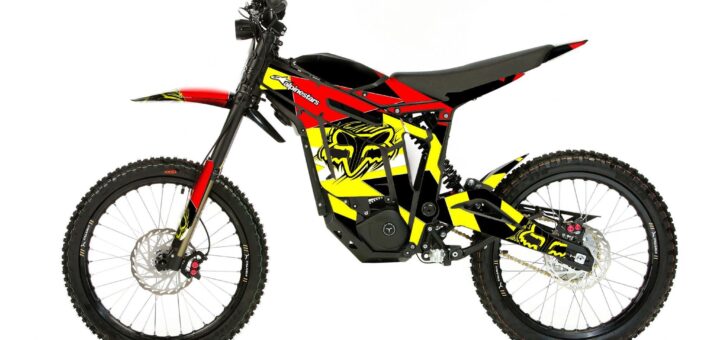
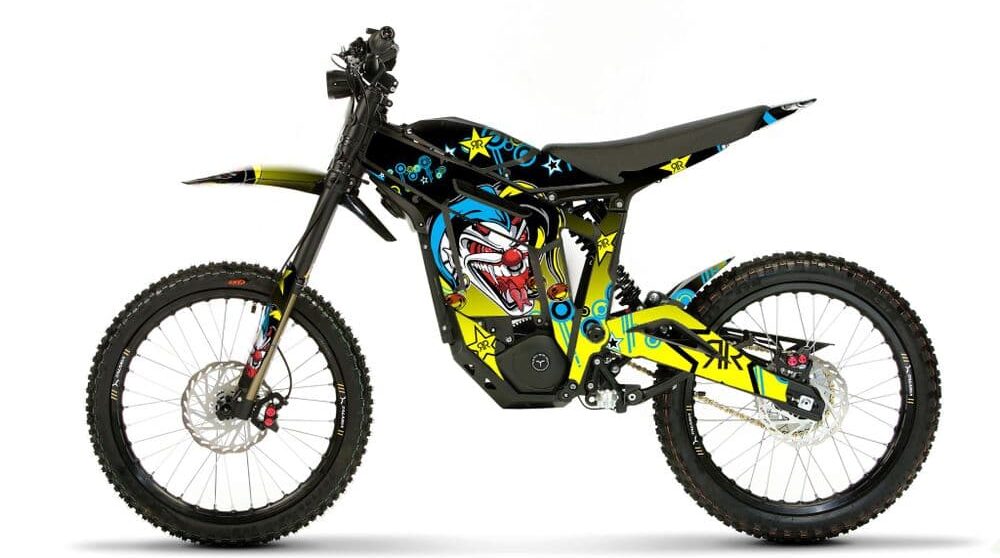
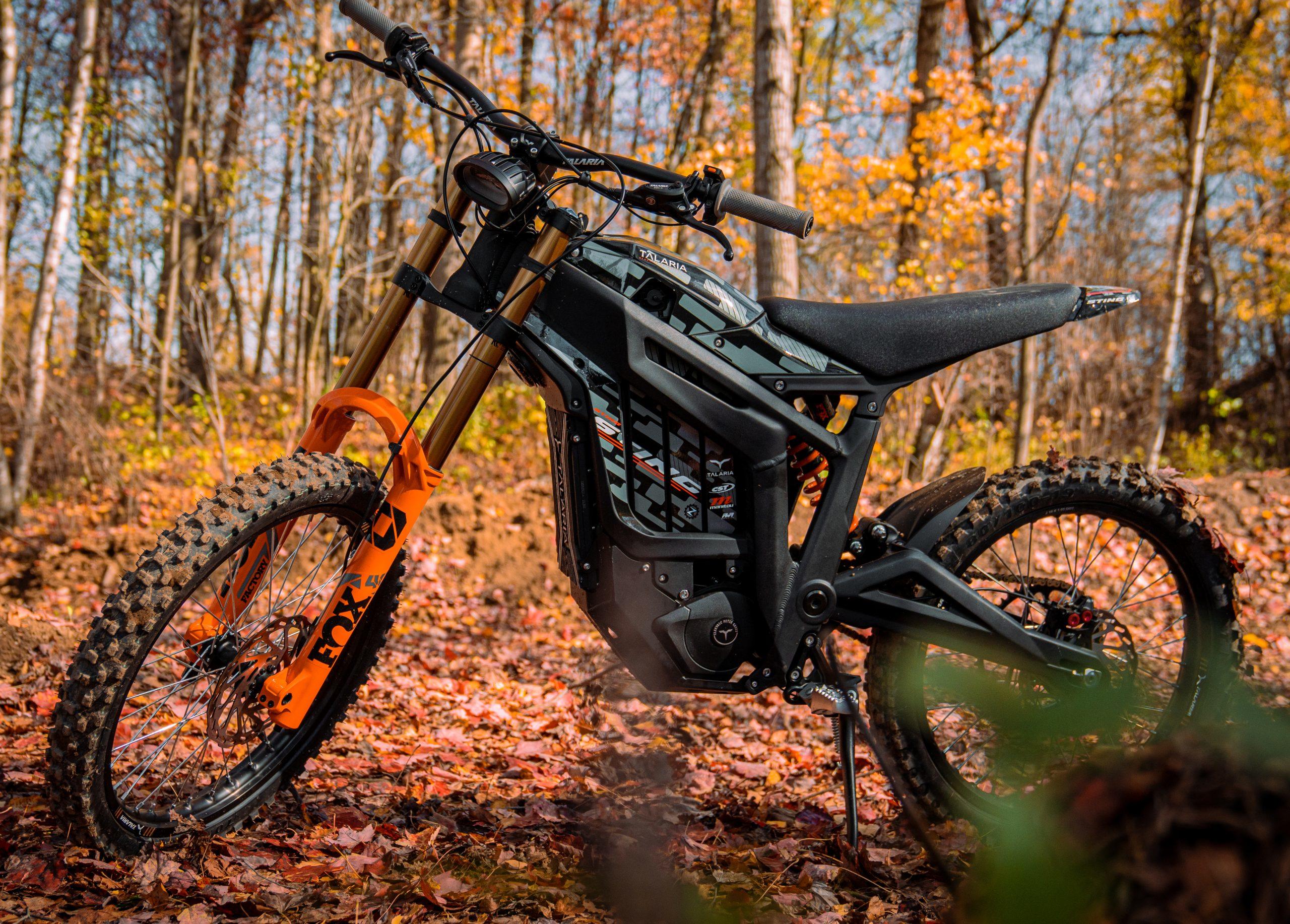
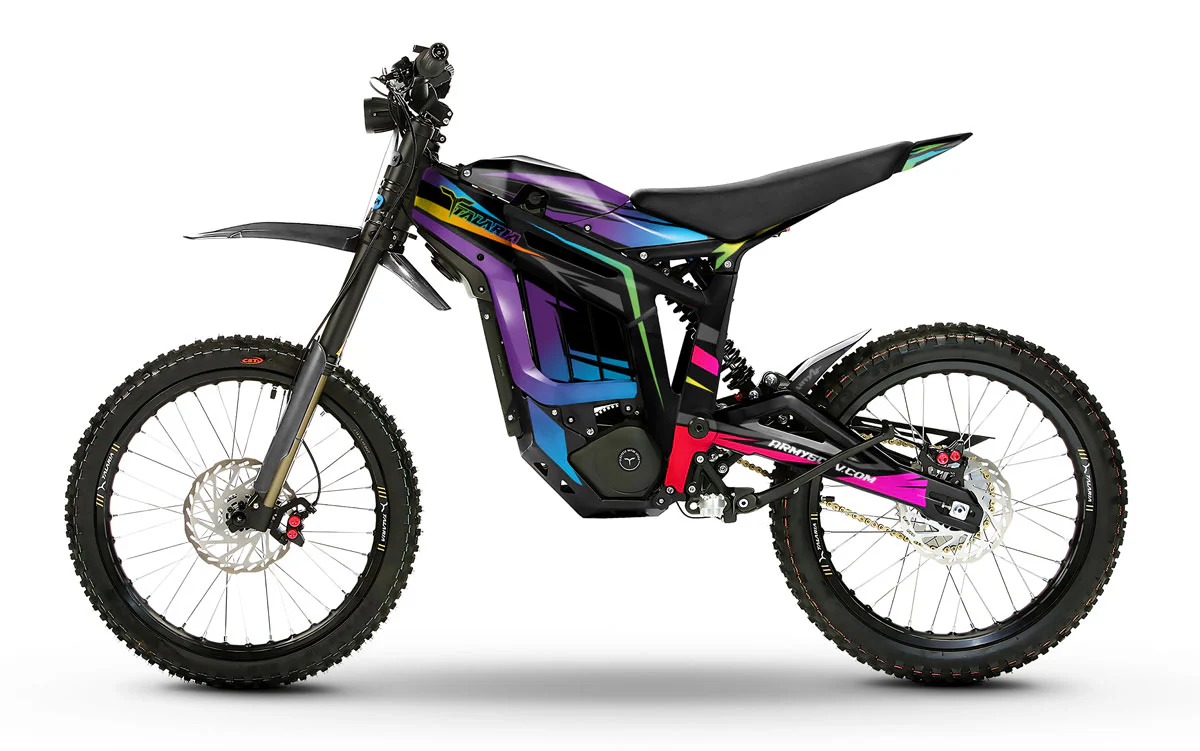
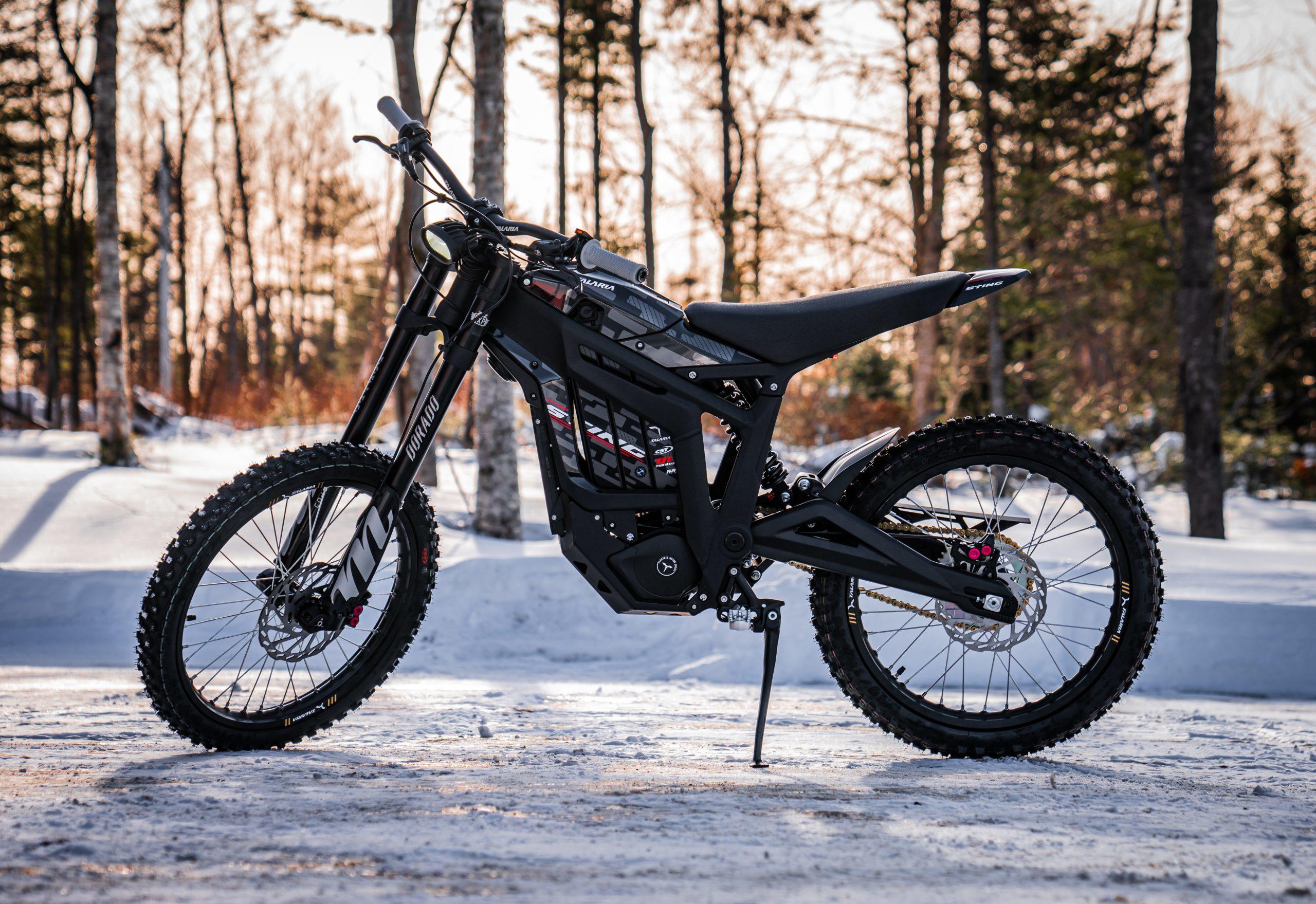
Before we zoom in on the Talaria MX3 display, let’s set the stage with an overview of the bike itself. The Talaria Sting MX3 is designed for riders who crave the thrill of dirt biking without the noise and emissions of traditional gas-powered models. It features a CAD-engineered lightweight frame that enhances maneuverability, making it perfect for trails, jumps, and urban explorations alike.
At the heart of the MX3 is a powerful electric motor that delivers instant torque – up to 34 N.m peak – transferred through an intelligent gearbox. This setup provides a smooth, responsive ride that’s comparable to higher-end models like the Surron X, but with better manageability. The bike is powered by a 60V 38Ah lithium-ion battery, offering an impressive range of up to 70 km at moderate speeds (around 40 km/h). Riders love its suspension system, which absorbs shocks from rough terrain, and its overall light weight, which makes it easy to handle even for beginners.
But what ties all this performance together? That’s where the Talaria MX3 display comes into play. This compact yet informative screen acts as the bike’s command center, giving you real-time data to optimize your ride.
Exploring the Features of the Talaria MX3 Display
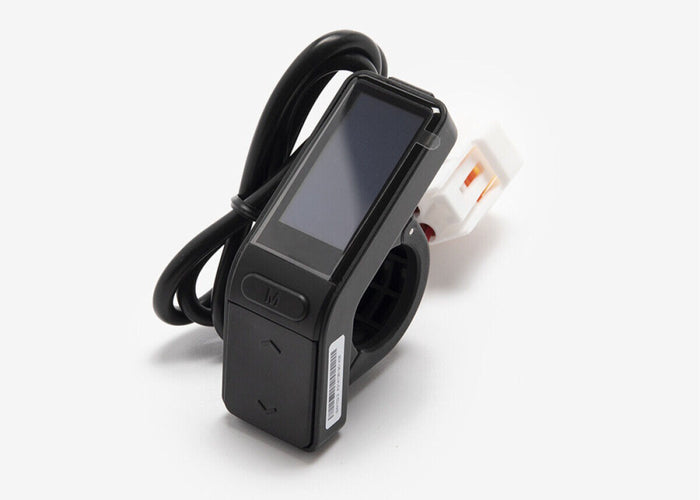
The Talaria MX3 display is more than just a speedometer; it’s a multifunctional tool that enhances safety, efficiency, and enjoyment. Often referred to as the EggRider display in aftermarket contexts, this unit is mounted on the handlebars for easy visibility. Here’s a breakdown of its core features:
1. Real-Time Speed and Mode Indicators
One of the first things you’ll notice on the Talaria MX3 display is the large, clear speed readout. It shows your current speed in mph or km/h, depending on your settings. Adjacent to this is the riding mode indicator, which toggles between Eco and Sport modes. Eco mode conserves battery for longer rides, while Sport unleashes full power for adrenaline-pumping acceleration.
2. Battery Status and Range Estimation
Battery management is crucial for electric bikes, and the Talaria MX3 display excels here. It displays battery percentage with a bar graph for quick glances, along with voltage readings for more technical users. Some models even provide estimated remaining range based on your current mode and riding style, helping you avoid getting stranded mid-adventure.
3. Odometer and Trip Metrics
Track your journeys with the built-in odometer, which logs total distance traveled. The trip meter resets for individual rides, showing distance, average speed, and even power consumption. This data is invaluable for riders who want to analyze their performance or plan maintenance schedules.
4. Error Codes and Diagnostics
The Talaria MX3 display isn’t just for show – it’s a diagnostic tool. If something’s amiss, like a low battery or motor issue, it flashes error codes. This feature allows quick troubleshooting, often without needing a mechanic.
5. Customizable Settings
Advanced users can dive into settings via the display’s buttons. Adjust units (metric/imperial), brightness for day/night riding, or even calibrate the speed sensor for accuracy. Some versions connect to apps via Bluetooth for deeper customization.
In reviews, users praise the Talaria MX3 display for its intuitive interface. One Reddit user noted in a two-year review that the display remained reliable even after heavy use, with no glitches despite upgrades like new wheels and handlebars.

How to Set Up and Use the Talaria MX3 Display Effectively
Getting started with the Talaria MX3 display is straightforward, but a few tips can elevate your experience. Upon unboxing your MX3, the display is pre-installed on the handlebars. Power on the bike, and the screen lights up automatically.
Step-by-Step Setup Guide
- Power On and Initial Calibration: Turn the key or press the power button. The display will show a boot screen. If it’s your first ride, calibrate the speed by riding a known distance and adjusting via the menu.
- Switching Modes: Use the up/down buttons to toggle between Eco and Sport. The Talaria MX3 display highlights the active mode prominently.
- Monitoring Battery: Keep an eye on the battery icon. When it drops below 20%, the display may flash a warning to prompt charging.
- Resetting Trip Data: Hold the mode button for three seconds to reset your trip meter before a new adventure.
- Brightness Adjustment: For night rides, dim the screen to avoid glare. This setting is usually in the main menu.
Pro Tip: If you’re upgrading from an older model, the Talaria MX3 display is compatible with MX4 and XXX variants, making it a versatile spare part.
In test drives, riders report that the display’s responsiveness makes monitoring effortless, even on bumpy trails.
Performance and Reliability: What Users Say About the Talaria MX3 Display
Based on numerous reviews, the Talaria MX3 display scores high on reliability. In a two-year ownership thread, one user mentioned zero issues with the display after extensive modifications, praising its durability in off-road conditions. Another video review highlighted how the display’s clear readout helped during high-speed tests, where quick glances at speed and battery were essential.
However, some users note that the stock display could be larger for better visibility. Aftermarket options, like larger screens, are popular mods – one Reddit post showed a customized setup with a tablet-like display for enhanced metrics. Overall, the Talaria MX3 display is lauded for its balance of simplicity and functionality.
Pros and Cons Table
| Aspect | Pros | Cons |
|---|---|---|
| Visibility | Bright, easy-to-read even in sunlight | Stock size may feel small for some users |
| Features | Comprehensive metrics like speed, battery | Limited customization without app |
| Durability | Weather-resistant, holds up to dirt | Potential for scratches on rough rides |
| User-Friendliness | Intuitive buttons and interface | Learning curve for error codes |
Comparing the Talaria MX3 Display to Competitors
How does the Talaria MX3 display stack up against similar electric dirt bikes? Compared to the Surron Light Bee X, the MX3’s display offers more detailed battery insights and mode switching. Surron’s display is basic, focusing mainly on speed and power levels, while the Talaria MX3 display adds trip data and diagnostics.
Against higher-end models like the Segway X260, the Talaria MX3 display holds its own with Bluetooth connectivity in some variants, allowing app integration for firmware updates. However, premium bikes might have color screens, whereas the MX3 sticks to a monochrome LCD for reliability.
If you’re eyeing upgrades, aftermarket displays like the full EggRider V2 provide even more data, such as wattage and temperature, compatible with the Talaria MX3.
Troubleshooting Common Issues with the Talaria MX3 Display
Even the best tech can hiccup. If your Talaria MX3 display goes blank, check the battery connection first – a loose wire is often the culprit. For error codes, refer to the manual: E01 might indicate overvoltage, while E05 points to motor issues.
Water ingress is rare but possible after heavy rain; dry the bike thoroughly. If the display flickers, a firmware update via the app can fix it. Users in forums report that resetting the display (hold power for 10 seconds) resolves most glitches.
Maintenance Tips for Longevity
To keep your Talaria MX3 display in top shape:
- Clean with a soft cloth; avoid harsh chemicals.
- Protect from direct impacts with a screen guard.
- Store the bike in a dry place to prevent moisture damage.
- Regularly check firmware for updates to enhance features.
Why the Talaria MX3 Display Enhances Your Riding Experience
In summary, the Talaria MX3 display is a game-changer for electric dirt bike riders. It provides essential data at a glance, ensuring safer, more efficient rides. With its robust features, easy setup, and proven reliability, it’s no wonder the MX3 has garnered rave reviews. If you’re ready to hit the trails with confidence, the Talaria MX3 – and its stellar display – might just be your next ride.